

In this illustrator lesson, we will be learning about Shape Builder Tool, Live Paint Bucket Tool and Live Paint Selection Tool in illustrator by Lalit Adhikari at LTY. Let’s get started!
Ad
In this illustrator lesson, we will be learning about Shape Builder Tool, Live Paint Bucket Tool and Live Paint Selection Tool in illustrator by Lalit Adhikari at LTY. Let’s get started!

In this illustrator lesson, we’ll learn about the Width tool in illustrator and Warp Tool, Twirl Tool, Pucker Tool, Bloat Tool, Scallop Tool, Crystallize Tool and Wrinkle Tool too.

In this illustrator lesson, I will be talking about the Selection tools in Illustrator at LTY. My name is Lalit Adhikari, let’s get started.

In this illustrator lesson, I will be discussing about Perspective Grid tool and Perspective Selection Tool in Illustrator at LTY. I am Lalit Adhikari, let’s dive into the topic.

In this illustrator lesson, we will be discussing, ‘How to use the Pen tool in illustrator‘ by Lalit Adhikari at LTY.

In this Illustrator Lesson, I will explain, ‘How to use Eraser Tool in illustrator’. Eraser tool with Scissors tool and Knife are a great combination to use while creating digital illustrations.
The Paintbrush Tool and Blob Brush Tool are two of Adobe Illustrator’s most versatile yet misunderstood features. While many designers relegate these tools to basic illustration, professionals use them to create sophisticated vector artwork, seamless illustrations, and complex digital paintings.
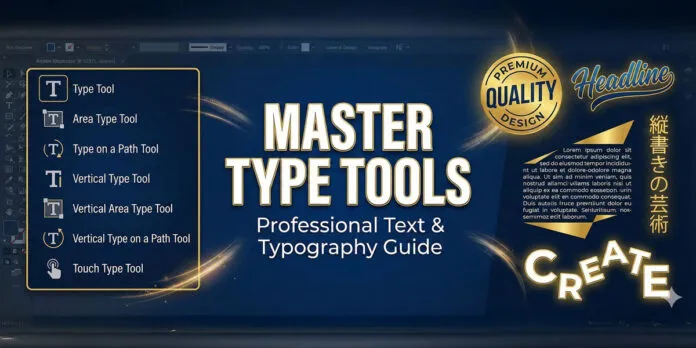
The Type Tool is one of Adobe Illustrator’s most powerful yet frequently underutilized features. Whether you’re creating logos, branding materials, posters or complex typography designs, mastering the Type Tool and its variations will transform how you work with text in vector design.
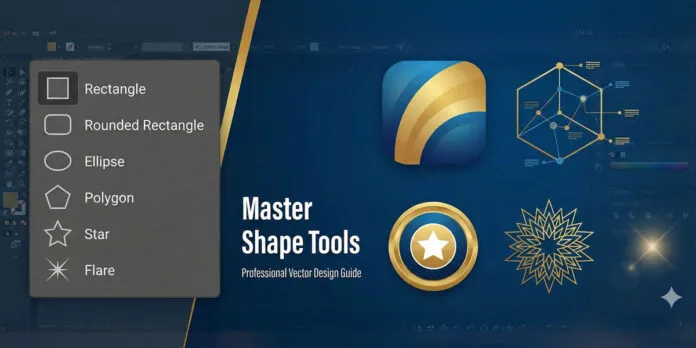
Adobe Illustrator’s shape tools are the foundation of vector design. Whether you’re creating logos, illustrations, infographics or UI designs, mastering these six essential shape tools—Rectangle, Rounded Rectangle, Ellipse, Polygon, Star and Flare—will exponentially increase your design capabilities and workflow efficiency.

When beginners start with Adobe Illustrator, they are immediately pointed toward the Pen Tool or the Rectangle Tool. While those are foundational, there exists a specialized group of tools nestled quietly in the toolbar that creates the geometric skeleton of professional design: The Line Tool Group.
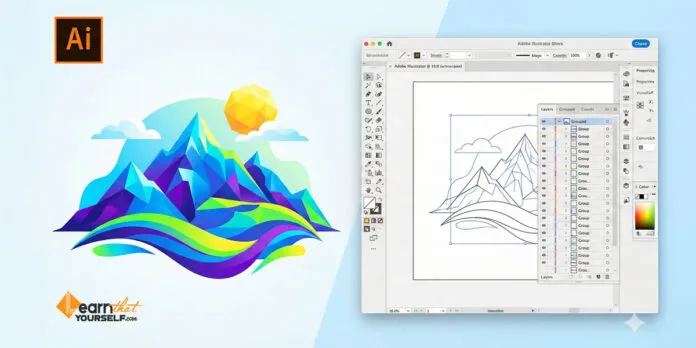
Before you start: This guide is designed to answer not just “What is Adobe Illustrator?” but also when, why and how to use it in your creative workflow. It aims to be a thorough resource for anyone transitioning into digital design—from students and hobbyists to professionals in print and digital media.